A photo booth for the party, built from what's already at home.
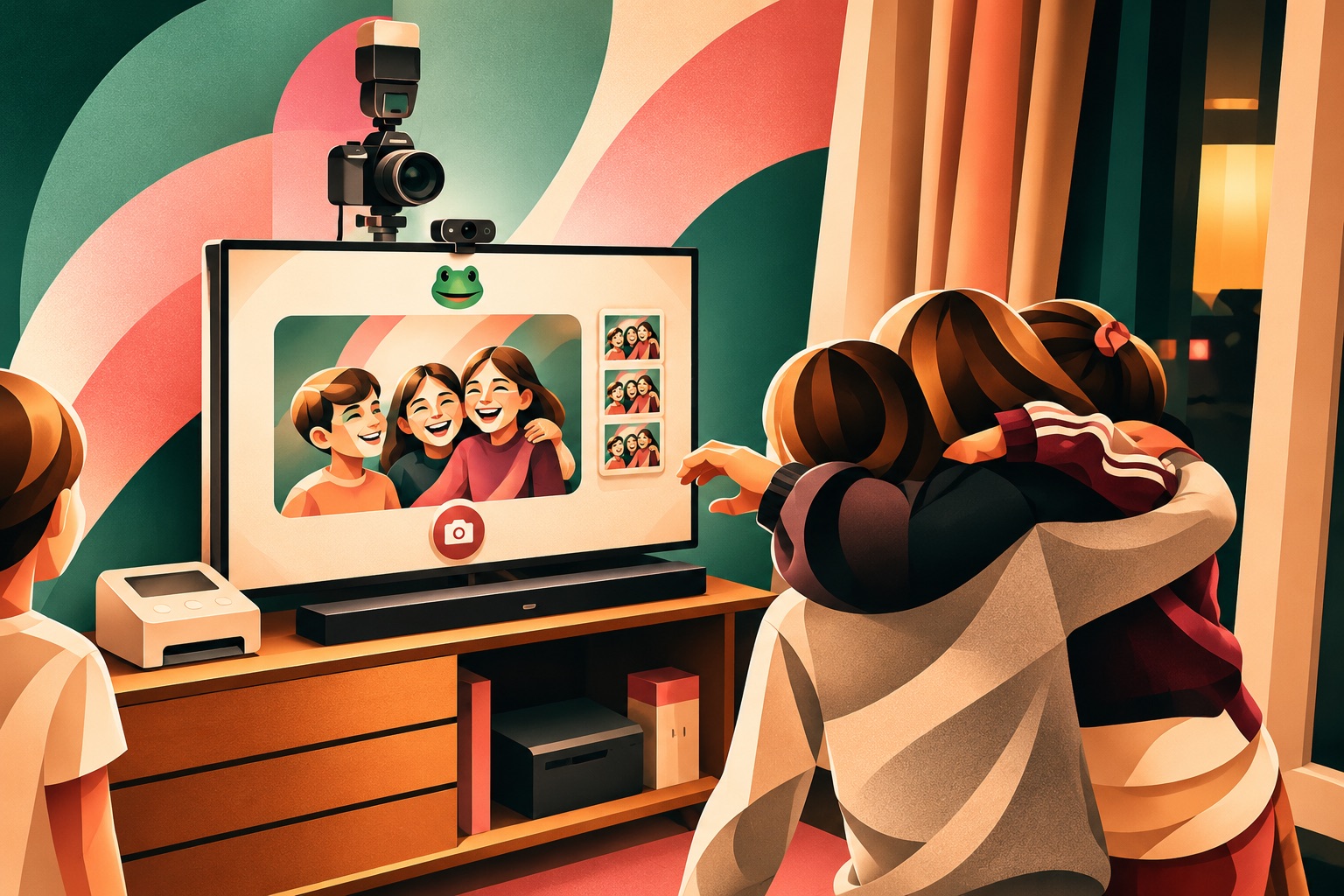
PhotoBox turns a Mac, a webcam and your camera into a photo booth: live view on the TV, a 3-2-1 countdown, full-resolution shots from the real camera, a tablet as remote and gallery, and prints right at the party.
What it does
My setup
This is the setup I use. None of it is special hardware.
- 1 Mac
Any Apple Silicon Mac, macOS 15 or later. - 2 Webcam: Logitech C920 HD Pro
Sits on top of the TV for the live view. Any USB webcam works; for common models PhotoBox knows the field of view and sizes the frame itself. - 3 Camera: Nikon D3500
On a tripod right next to the webcam, connected via USB. A Canon EOS RP works just as well. - 4 Printer: Canon SELPHY CP1300
Postcard-size prints in about a minute, borderless, on Wi-Fi or USB. - 5 An old tablet
Remote control and gallery, connected to the same Wi-Fi as the Mac.
Which cameras work?
PhotoBox controls the camera with gphoto2, which is built in, so there is nothing to install. It knows more than 2,700 models; anything that can be remote-controlled over USB will do. A few examples:
- Nikon D3500, D5600, D7500, D750, Z50, Z fc
- Canon EOS RP, R6, R50, 2000D, 250D, 90D, 5D Mark IV
- Sony Alpha 7 III (PC remote mode)
- Fujifilm X-T3, X-T4, X-T5
The full list is on the gphoto2 website. Without a camera, PhotoBox simply takes the photos with the webcam.
Open source inside
PhotoBox ships gphoto2 and its libraries (GPL and LGPL) unmodified as a separate helper program. The complete source code of exactly these versions is available here: PhotoBox-OpenSource-Source.zip.